









Skip to content
Player Guide Visit Store

Smart TV guide

Watch live TV on any screen you already own

A practical guide to IPTV player apps: what they do, how setup works, and where to download the official build for your Samsung, LG, Firestick, or Android device.

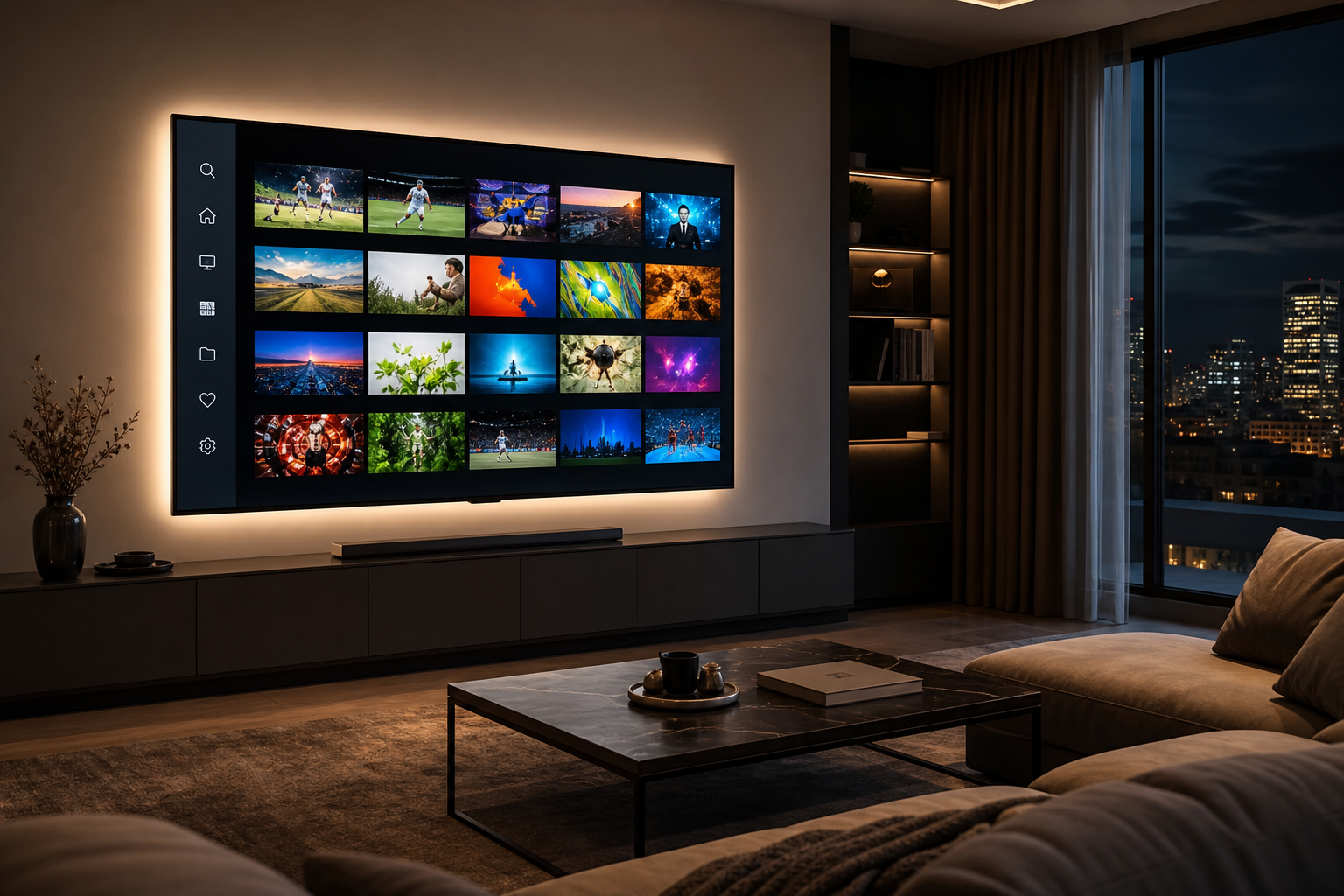
Smart TV in a modern living room displaying an IPTV channel guide

Setup in three steps

The process is the same across most IPTV clients, regardless of branding.

  1. Step 1

    Get credentials from your provider

    You need a portal URL or playlist file and any login details your service includes.

  2. Step 2

    Install the recommended player

    Use the app store on your TV or sideload the APK your provider links to.

  3. Step 3

    Activate and start watching

    Enter your details, register the device MAC if asked, then load your channel list.

What you need to know before installing

Short answers to the questions people ask when choosing and configuring a player.

How IPTV players work on your TV

An IPTV player is the app that connects your TV to a live TV service. Your provider gives you a portal URL or playlist file plus login details. You install the player they support, enter those credentials, and your channel list appears on screen.

Most setups take a few minutes. Some providers also require device activation through a MAC address shown inside the app. If you are unsure which client to install, ask your provider before downloading anything.
The IBO family of apps

IBO is the most widely searched IPTV player brand. The standard app works on many Samsung and LG Smart TVs straight from the app store. Pro and STB variants add features or target specific hardware, but the login process stays the same.

Resellers sometimes distribute renamed forks from the same codebase. If your provider sends a download link for a variant you do not recognize, use their build rather than guessing. Portal credentials are usually interchangeable across IBO-compatible apps.

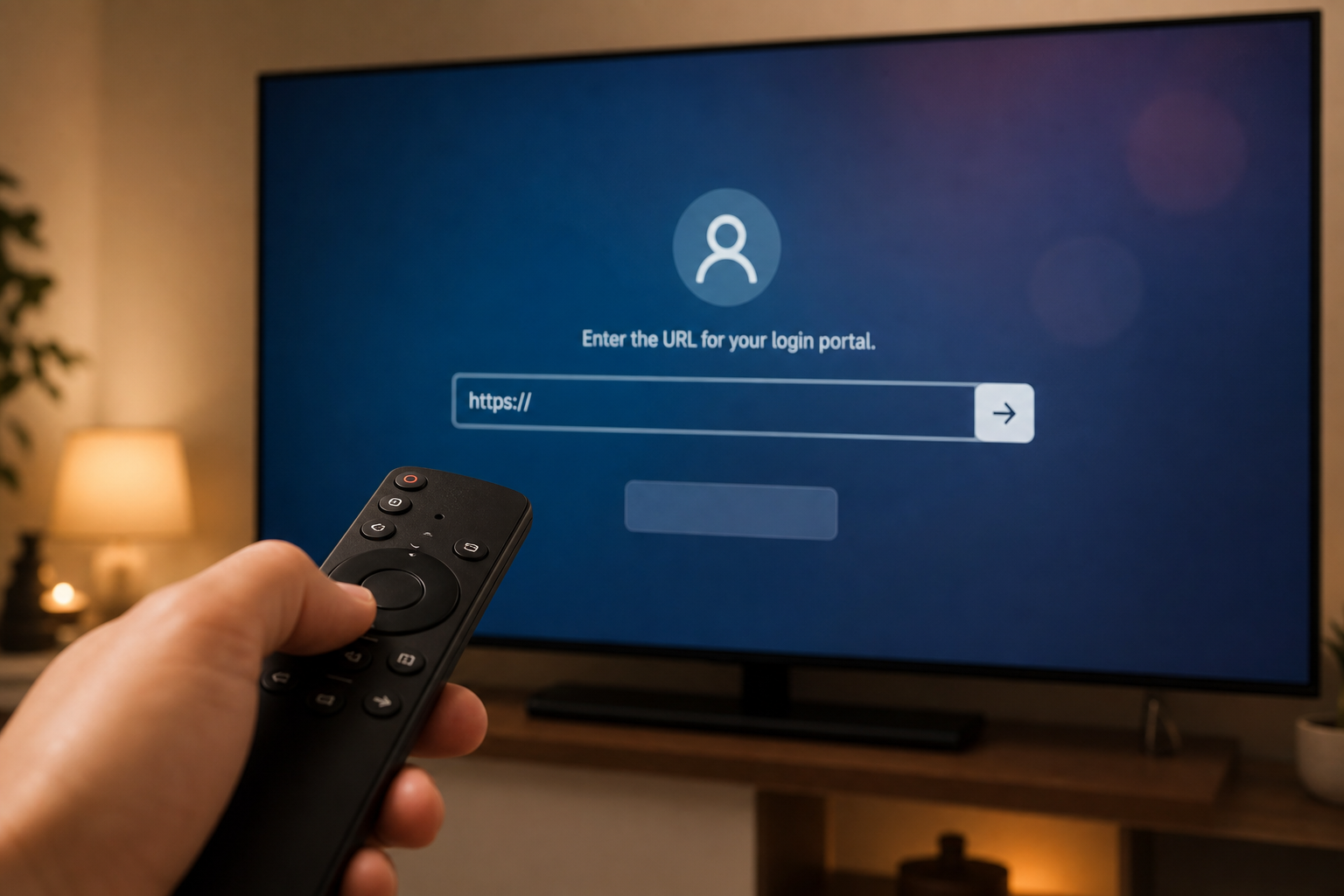
Using a remote to complete IPTV player setup on a Smart TV

BOB, Duplex, and alternate branding

When IBO is unavailable in your region or app store, providers often recommend BOB or Duplex instead. These apps follow the same portal workflow. Premium tiers may unlock extra codecs or interface options depending on your device.

Duplex is a practical choice if you switch between M3U playlists and Xtream-style portals. Activation still relies on the MAC address shown in the app settings in most reseller setups.

VPN, themed, and specialty builds

VPN-enabled players route your connection through an encrypted tunnel. Only use them when your provider explicitly requires it. For typical home broadband, a standard player is faster and easier to maintain.

Themed sports clients and regional reseller brands change the look of the interface, not how login works. The full list of supported app names is in the player gallery below.

Supported devices and install methods

Samsung and LG TVs can often install players directly from their built-in app stores. Fire TV Stick, Android TV boxes, and generic set-top units usually need an APK file sideloaded with a downloader tool.

Always match the app version to your hardware. Installing the wrong build is a common reason for activation failures, even when your subscription is active.

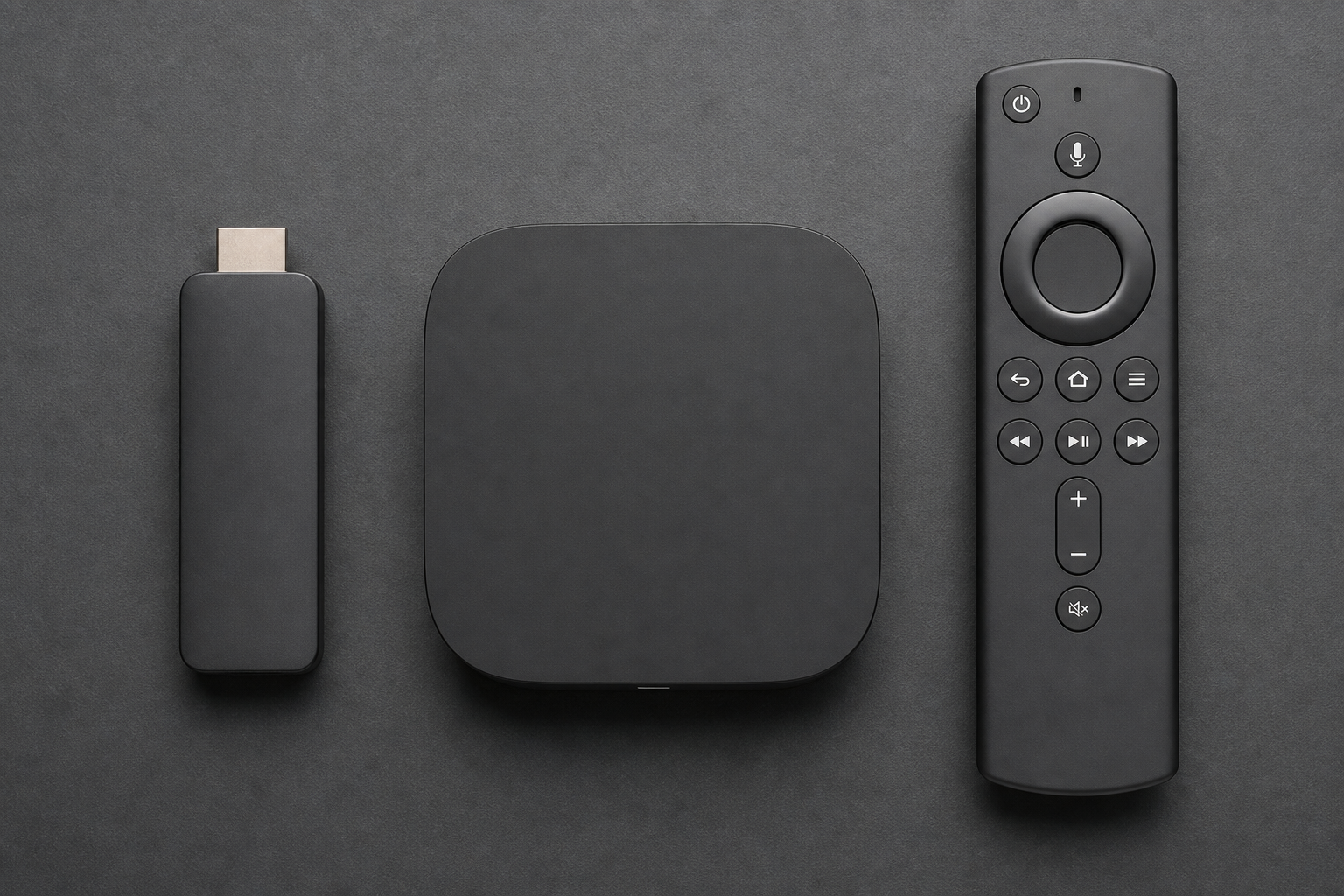
Fire TV Stick, Android TV box, and remote for IPTV streaming

Frequently asked questions

Do different player brands use the same login?

Most IPTV players in this guide accept the same portal URL and credentials from your provider. Branding changes between apps, but the setup flow is nearly identical.

Can I install these apps on a Samsung or LG TV?

Many supported players are listed in Samsung and LG app stores, depending on your region. If you do not see one, your provider may supply an APK for sideloading.

When do I need a VPN-enabled player?

Only when your provider requires it or your network blocks standard portal traffic. Most users can stick with a regular client on home broadband.

Why is my device MAC address required?

Reseller services tie subscriptions to hardware. The app displays a MAC code you register in your provider panel before channels become available.

Get the official app

Download the latest build and follow the setup steps on the official site.

Visit Official Website